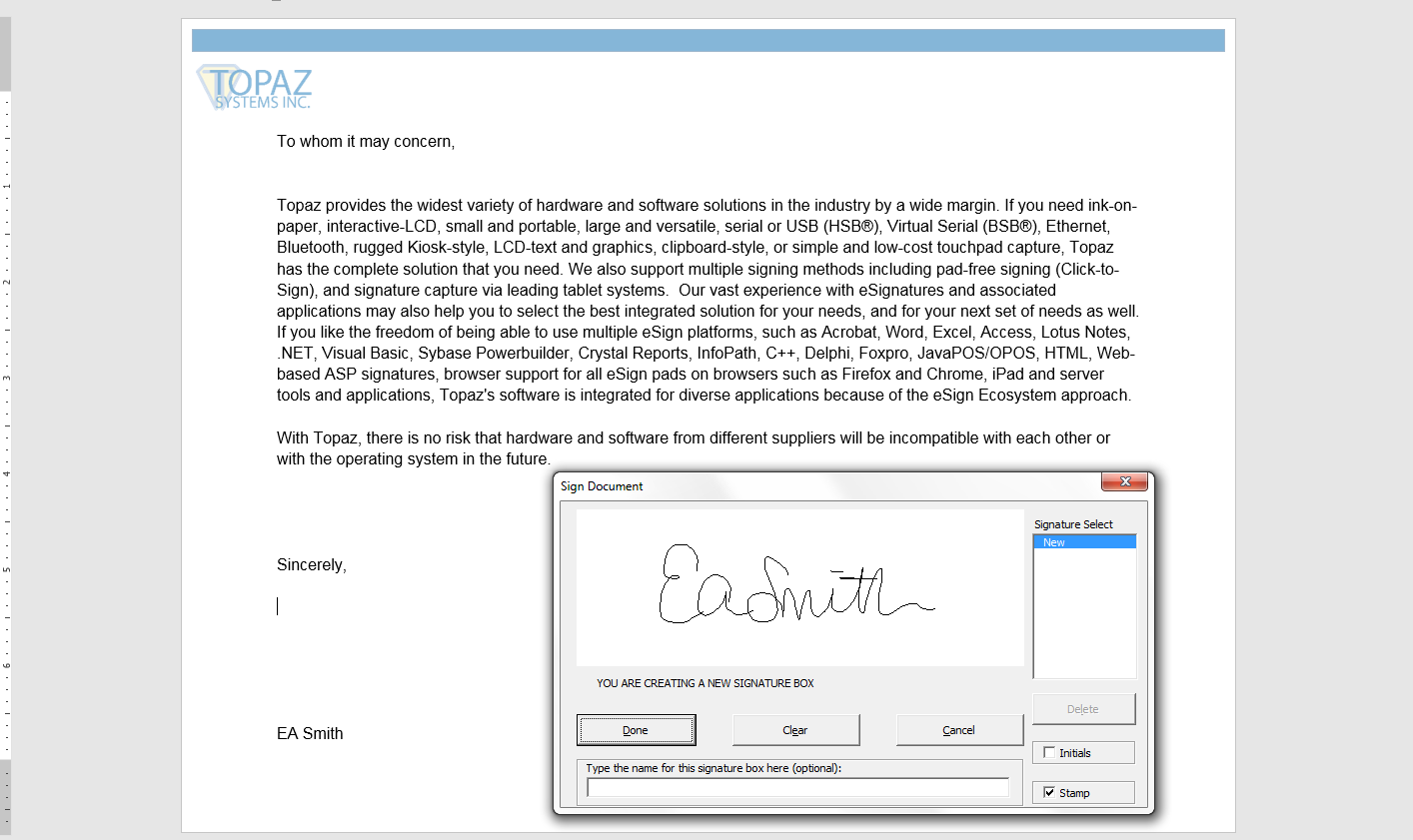
The Topaz® Microsoft Office Plug-Ins allow you to add, pre-place, sign, view, and validate signatures in Word and Excel on PCs. The Office Plug-Ins come bundled with the following options:
-
Signature placement at cursor location
-
Auto-size signature fields
-
Cryptographically bound to document for security
-
Visible time and date stamping
-
Optional signature naming
Note:
For Topaz signature pad use, download and install
SigPlus before installing the plug-ins. For the 64-bit version of Office, download and install
SigPlus 64.
For Topaz GemView Tablet Display use, see
SigPlus Pro Tablet before installing.
To request a silent installer, complete the
Silent Installer Form.
Download Plug-Ins