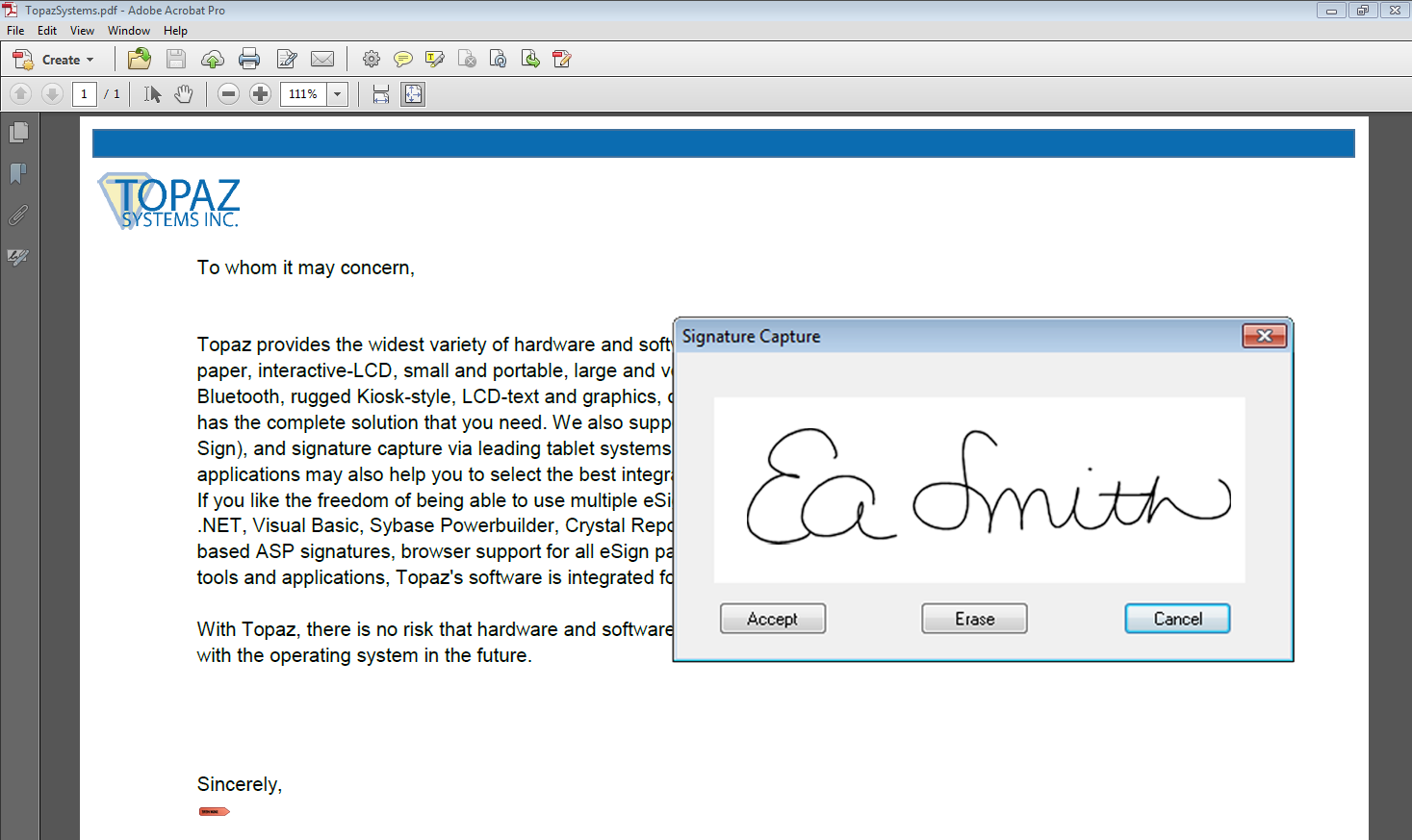
The Topaz® Adobe Acrobat plug-in for PC and Mac allows you to add, pre-place, sign, view, and validate signatures in PDFs using Adobe Acrobat. The Topaz Adobe Acrobat plug-in comes bundled with the following options:
-
Cryptographically bound to document for security
-
Time and date stamping added to signature properties
-
Used with standard Adobe signature fields
Download Adobe Acrobat Plug-In for PCs
Download Adobe Acrobat Plug-In for Macs
Note:Click the appropriate link above to download the necesssary software and installation guide. Follow the steps in this guide for proper download and installation.
For information regarding the SHA1 algorithm and the Topaz Adobe Acrobat plug-in, view the
FAQ Page.
To request a silent installer, complete the
Silent Installer Form.